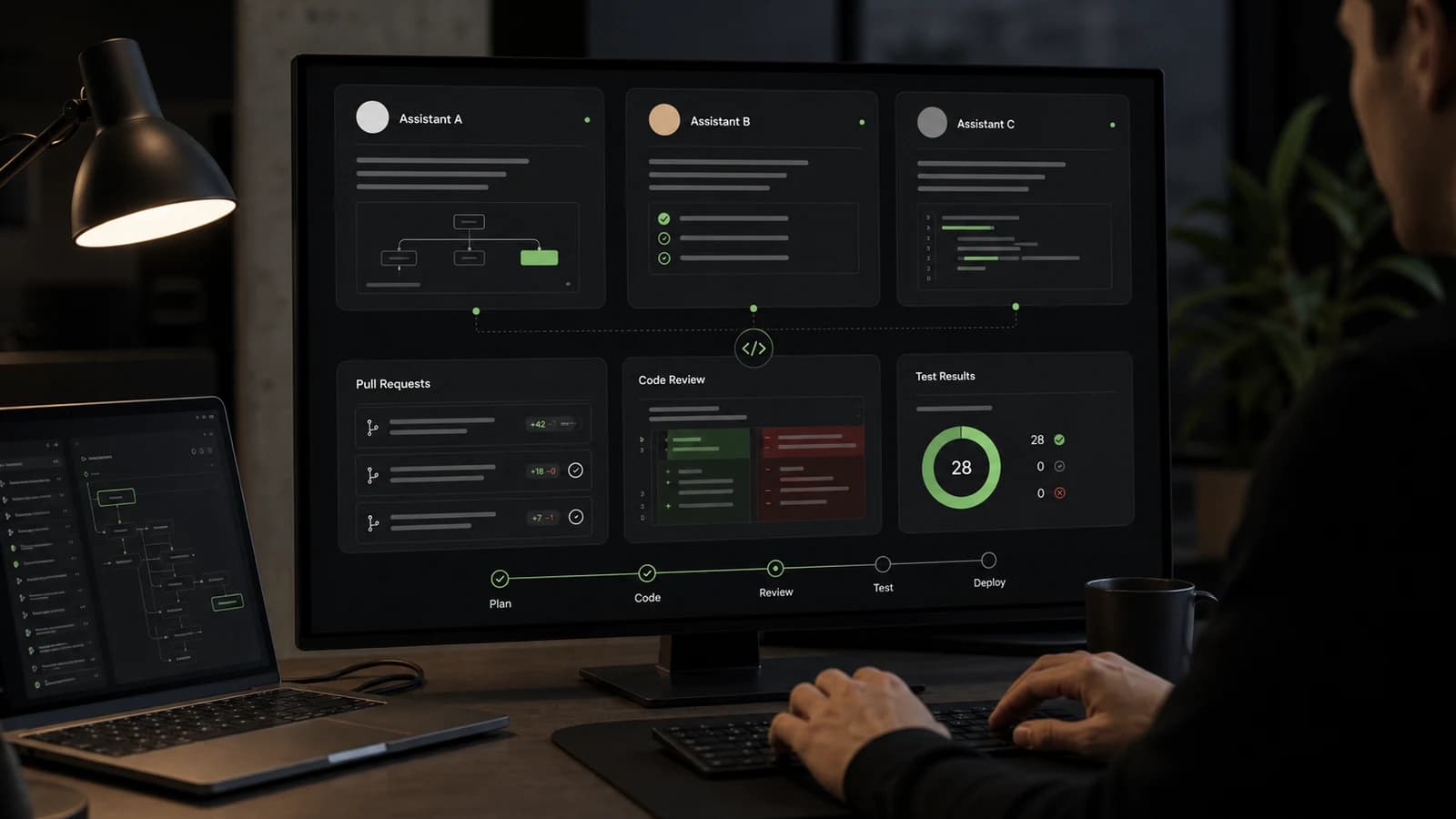

AI tools such as Codex, Claude and Cursor have become part of professional software development. For an agency, they are especially relevant because client projects contain many recurring tasks: understanding requirements, navigating codebases, implementing features, adding tests, preparing pull requests and maintaining documentation.
The value does not come from simply "letting AI write code". It comes from embedding AI into a clear development process: discovery, architecture, data protection, tests, human review and explicit accountability. In client work, AI cannot be a black box.
This article describes a realistic workflow for agencies using Codex, Claude and Cursor in software development, AI integration and backend development without losing quality or control.
What Codex, Claude and Cursor are good at
The tools overlap, but they feel different in daily engineering work.
Codex is useful when an agent should work inside a repository: read files, make changes, run tests, analyze failures and prepare a traceable patch. That fits well-scoped tasks such as bug fixes, refactoring, test coverage, migrations and documentation updates.
Claude is often helpful for analysis, technical discussion, architecture questions, specifications and reasoning through larger contexts. Many teams also use Claude as a coding agent, especially when a complex plan needs to be checked or a large amount of context needs to be condensed.
Cursor is useful directly in the editor. It supports developers while navigating a codebase, editing individual files, explaining existing logic and making smaller changes in the normal development flow.
| Tool | Typical strength | Useful agency workflow |
|---|---|---|
| Codex | Agentic repository work | Branch tasks, tests, reviews, refactoring, PR preparation |
| Claude | Analysis and structured reasoning | Discovery, architecture, risk analysis, technical concepts |
| Cursor | Editor-native development flow | Pair programming, local changes, understanding existing modules |
None of these tools should decide what gets built. They are assistants. Accountability stays with the team.
Discovery: AI helps structure, not decide
Discovery is about goals, users, processes, data, risks and priorities. AI can help because it turns unstructured input into clearer questions and artifacts.
Typical tasks include:
- turning meeting notes into requirements and open questions
- drafting user stories, acceptance criteria and non-goals
- collecting technical risks for a web app, API, backend or integration
- comparing options and documenting assumptions
- deriving first test cases from requirements
The limits matter. AI does not fully understand the company, stakeholders, commercial pressure or internal constraints. It cannot own priorities, budgets, legal risk or final product decisions.
For agencies, AI is most valuable in discovery when it creates better questions. Better questions reduce risk during implementation.
Implementation: Small tasks beat broad requests
During implementation, Codex, Claude and Cursor work best when tasks are small, verifiable and clearly bounded. "Build the dashboard" is too broad. A better task is: "Add a filter for active customers to the existing dashboard, do not change API contracts and add tests for empty results."
A useful task brief includes:
- goal and expected behavior
- affected files, modules or APIs
- boundaries: what must not be changed?
- technical quality criteria
- test strategy
- review notes for the human reviewer
This fits common agency work: adjusting components, extending backend endpoints, adding validation, migrating data models, handling error states, expanding tests and updating documentation.
For security-critical, payment-related or personal data workflows, the scope should be even tighter. AI can suggest an implementation, but the team must check architecture, permissions, data flows and failure modes.
Code review: AI finds patterns, humans judge consequences
AI is useful in code review because it can quickly scan for obvious issues: missing tests, inconsistent naming, unclear error handling, duplicated logic and possible edge cases. It can also summarize pull requests and prepare review checklists.
That does not replace human review. An experienced developer checks different things:
- Does the change fit the architecture?
- Do existing API contracts remain stable?
- Are permissions and tenant boundaries correct?
- Does the change introduce technical debt?
- Is the behavior right for users?
- Are the important risks covered by tests?
AI can produce plausible explanations that are still wrong. In review, it should be a second perspective, not the merge authority.
Tests: The strongest lever for safe AI usage
Teams that want to use AI seriously need tests. Without tests, faster implementation becomes more manual verification work. With tests, an agent can move faster because incorrect changes fail earlier.
Useful AI testing tasks include:
- adding unit tests for edge cases
- writing missing tests for bug fixes
- structuring test data more clearly
- updating snapshot or component tests
- covering API error cases
- preparing end-to-end scenarios
Teams still need to check whether the tests protect behavior or merely repeat the current implementation. A weak test gives false confidence. Good tests describe business expectations.
Documentation: AI is good at the first draft
Documentation is an area where AI often saves time immediately. It can draft README sections, migration notes, API descriptions, changelogs and technical decision records.
The first draft is not automatically correct. In client systems, a human must check whether the documentation is factually accurate, does not reveal internal details and is understandable for the intended audience.
A good practice is to request documentation together with the code change. If an agent creates a new backend endpoint, it should also update the API note, test coverage and relevant operational information.
Data protection and confidentiality
Agencies often work with client data, business logic, credentials, internal documents and private repositories. Data protection therefore belongs at the beginning of the AI workflow, not at the end.
Important questions:
- Which data may enter which AI tool?
- Are personal data, secrets or client documents being transmitted?
- Is there a contractual basis and suitable data processing agreement?
- Can repositories, logs and prompts be audited?
- Which content must be anonymized or kept local?
- Who checks results for privacy and security risks?
In many cases, teams can formulate tasks without sensitive data, use test data and keep secrets strictly out of prompts, logs and agent context. Regulated projects need additional approvals, documented processes and technical safeguards.
Risks: How AI can hurt agency projects
AI can accelerate development, but it can also spread mistakes faster. Common risks include:
- plausible-looking code with incorrect business logic
- oversized changes that touch more than necessary
- missed security, privacy or accessibility concerns
- unsuitable libraries or unnecessary dependencies
- tests that cover the wrong risks
- documentation that presents assumptions as facts
- gradual loss of system understanding inside the team
These risks cannot be solved with better prompts alone. They require process: small tasks, clear ownership, code review, tests, logging, monitoring and a culture that treats AI output critically.
Where AI really helps
AI helps most when the work is clearly describable, verifiable and context-dependent:
- understanding existing codebases faster
- implementing boilerplate and recurring patterns
- adding tests for known rules
- structuring technical options
- preparing refactorings
- summarizing pull requests
- keeping documentation current
- speeding up failure analysis
In an agency, this can reduce repetitive work for project teams. Less time is spent searching, formatting and handling standard tasks. More time remains for product decisions, architecture, quality and communication.
Where AI does not help
AI is weak when the real problem is unclear. It cannot replace missing strategy or reliably fix poor requirements.
AI does not help much with:
- unclear business models
- political priority conflicts
- missing product ownership
- messy data without domain clarification
- security decisions without context
- legal judgments
- final accountability to clients
Very new, project-specific or heavily regulated requirements still need human expertise. AI can prepare, compare and check. The responsible team has to decide.
A pragmatic agency workflow
A robust workflow looks like this:
- run discovery with clear goals, risks and non-goals
- split technical work into small tasks
- use an AI agent or editor assistant with limited scope
- run tests, type checks and linting
- review the result with a developer
- check privacy, security and business logic
- update documentation and decision notes
- merge and deploy only after those steps
This process is not spectacular, but it is reliable. It makes AI part of professional software development instead of a shortcut around engineering.
Final thoughts
Codex, Claude and Cursor can make agency teams more productive. They help with discovery, implementation, code review, tests and documentation. The biggest effect does not come from blind automation, but from better preparation and faster feedback loops.
For client projects, the key point remains unchanged: people are accountable for requirements, architecture, data protection, quality and operations. AI is a tool inside the process. Used well, it makes software development more structured and faster. Used poorly, it only creates uncertainty faster.