
Many B2B companies want to build a customer portal when day-to-day collaboration with customers creates too much manual coordination: status questions by email, documents in different folders, approvals through PDF attachments, requests to sales or project management, duplicate data entry in CRM and ERP. A customer portal is not simply another website. It is a web app that connects customer access, roles, documents, status data and existing systems in a controlled way.
Short answer: A custom B2B customer portal often costs between 40,000 and 180,000 EUR depending on scope. A tightly scoped MVP with login, roles, dashboard, document area, admin functions and one first integration often falls between 40,000 and 90,000 EUR. It becomes more complex with SSO, multi-tenancy, ERP or CRM integration, audit logs, approval workflows, sensitive customer data and production operations.
The most important point is not the portal idea itself, but the first process that becomes noticeably better because of it. A customer portal does not pay off because customers "get a login". It pays off when questions decrease, data becomes more reliable, approvals move faster, documents are shared more securely and internal teams spend less time coordinating.
What is a customer portal in a B2B context?
A customer portal is a protected digital area where customers, partners or clients can access information, complete tasks and collaborate with your company. It does not necessarily replace CRM, ERP, ticketing or document management. Often it is the interface that makes selected data from these systems understandable and usable for customers, partners and internal teams.
Typical examples include:
- customer dashboard with project status, open tasks and contacts
- document center for proposals, contracts, invoices, specifications and meeting notes
- ticket or support area with status, priorities, attachments and history
- order overview with delivery status or production progress
- onboarding area with forms, checklists, uploads and approvals
- reporting area with metrics, performance records or usage data
- self-service area for master data, user management or simple configuration
The difference from a classic website is the data connection. A portal does not just display content. It processes business information. That creates requirements for authentication, roles, permissions, data model, interfaces, logging, privacy, security, monitoring and maintenance.
When is a custom customer portal worth it?
A customer portal is worthwhile when a recurring customer process happens often enough to make standardization and self-service economically useful. The best candidates are processes where customers repeatedly ask for the same information or need the same documents, status updates and approvals.
Good triggers for a portal project are:
- customers regularly ask for status, documents, invoices or contacts
- project information is spread across emails, folders, CRM, ERP and tickets
- documents are sent, versioned and tracked manually
- teams maintain the same data in several systems
- approvals, evidence or uploads happen without structure
- support questions repeat because customers have no self-service
- customers expect digital transparency, but internal systems are not customer-ready
- sales, project teams, support and finance work with different information states
A customer portal is less useful when every customer is handled completely individually, there are only very few recurring cases or a simple shared workspace is enough. It is also not a good solution when the internal process is not yet understood. Bad workflows do not automatically become better through a portal. They only become more visible.
When does a customer portal pay off?
The economic value often does not come from one large saving, but from many small reductions: fewer status emails, less search effort, less duplicate data entry, fewer wrong document versions, fewer questions and faster approvals.
A simple first calculation:
monthly value = number of cases x saved minutes x internal hourly cost / 60
Example: If 400 customer requests per month each create 12 minutes of internal coordination on average, and a portal avoids 60 percent of that work, it saves 48 hours per month. With an internal fully loaded hourly cost of 65 EUR, that equals 3,120 EUR per month. On top of that come qualitative effects: better customer experience, fewer errors, faster response times and better traceability.
This calculation is deliberately simple. It does not replace a full business case, but it shows whether a portal project is in the right order of magnitude. If a process happens only ten times per month, the value per case must be high. If a process happens hundreds of times per day, even small improvements can become relevant quickly.
What does a customer portal cost?
The following ranges are planning figures for professional custom development, not a price list. A simple tool, a ready-made CRM portal or a no-code setup can be cheaper. These ranges refer to a custom B2B portal with a real data model, roles, admin area, security, tests and an operations perspective.
| Project type | Typical scope | Realistic range |
|---|---|---|
| Concept and prototype | roles, core flows, information architecture, clickable prototype | 8,000 to 20,000 EUR |
| Customer portal MVP | login, roles, dashboard, documents, admin area, one integration | 40,000 to 90,000 EUR |
| Production B2B portal | several roles, notifications, audit logs, interfaces, monitoring | 90,000 to 180,000 EUR |
| Multi-tenant platform | SSO, multiple customer groups, ERP/CRM, reporting, complex permissions | from 180,000 EUR |
The largest cost drivers are rarely the visible screens. Permissions, edge cases, data migration, interface quality, document protection, security, tests, monitoring and operations create the real effort. A portal with five screens can be complex if every customer may see different data and an old ERP does not provide a stable API.
Important features of a modern customer portal
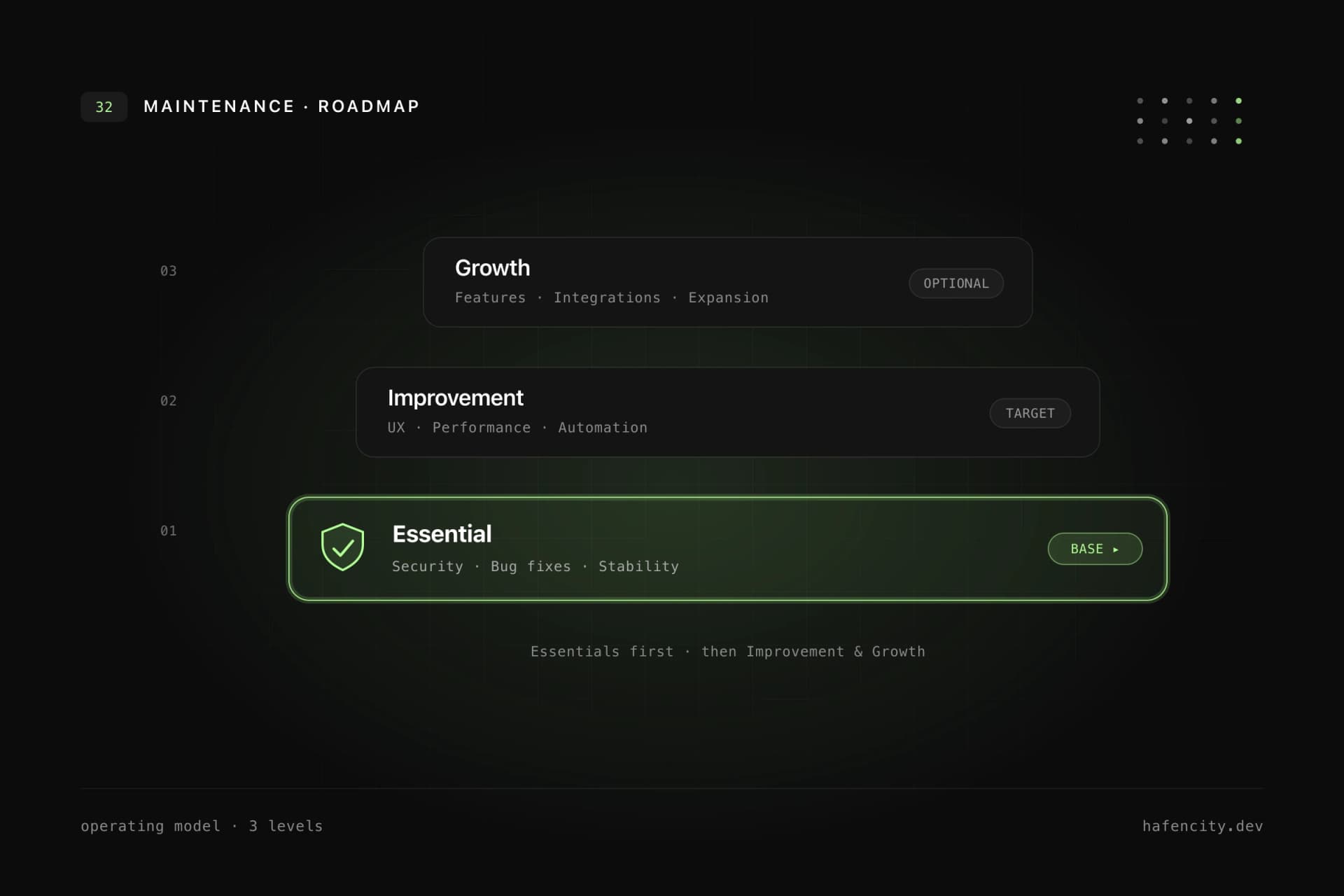
Not every portal needs every feature. For planning, it helps to sort features by process value and risk. Version one should solve the most important customer process reliably. Everything else belongs on the roadmap.
Login, user management and roles
Login is only the entry point. The real question is who may see and do what. A B2B portal often needs several roles: customer, customer admin, internal project manager, support, finance, sales, external partner or management. Later, invitations, password reset, two-factor authentication, single sign-on or multi-tenancy often become relevant.
Dashboard and status overview
The dashboard should answer the most important customer question: "What is the current status and what do I need to do?" Good dashboards do not show everything. They prioritize tasks, deadlines, open questions, new documents, contacts and relevant metrics.
Document center
A document center is more than a folder. Important topics include versions, categories, permissions, uploads, approvals, expiration dates and traceable history. For contracts, invoices, project documents or technical specifications, clear structure is more valuable than a large file dump.
Tickets, support and communication
If the portal should reduce support effort, it needs ticket status, priorities, attachments, internal notes, customer views and notifications. Not every company needs to rebuild a full ticketing system. Often an integration with existing systems such as HubSpot, Zendesk, Jira Service Management or an internal backend is the better path.
Admin area
Without an admin area, every small change becomes a developer ticket. Internal teams should be able to manage customers, users, content, status messages, documents and simple configuration themselves. The admin area is often less visible to customers, but it is operationally critical.
Notifications
Email, in-app notifications or webhooks prevent customers from having to check manually. The cadence matters: too few notifications make the portal invisible, too many make it annoying.
MVP first: what belongs in version 1?
The first version should not be a complete platform. It should solve a narrow, valuable process end to end. A useful MVP often contains:
- login and one clear role model
- dashboard for the most important status information
- document area for one document type or process
- admin area for internal maintenance
- one integration or controlled manual data import
- basic notifications
- logging, error tracking and secure deployment
What usually belongs later:
- complex reporting
- several customer segments
- SSO for all enterprise customers
- deep ERP automation
- full self-service configuration
- complex approval chains
- mobile app in addition to the web portal
- advanced AI assistants
This split is important for budget and speed. A portal MVP should be technically real, but functionally narrow.
Architecture: what must be solved properly?
A customer portal is a web app with protected access. The architecture determines whether the portal can grow after the MVP or becomes more complicated with every new role.
Authentication and RBAC
RBAC means role-based access control. It describes a permission model that represents roles, organizations, tenants and concrete actions. With sensitive data, "logged in or not" is never enough. The system must check whether a user may view, download, edit or approve a document.
API-first backend
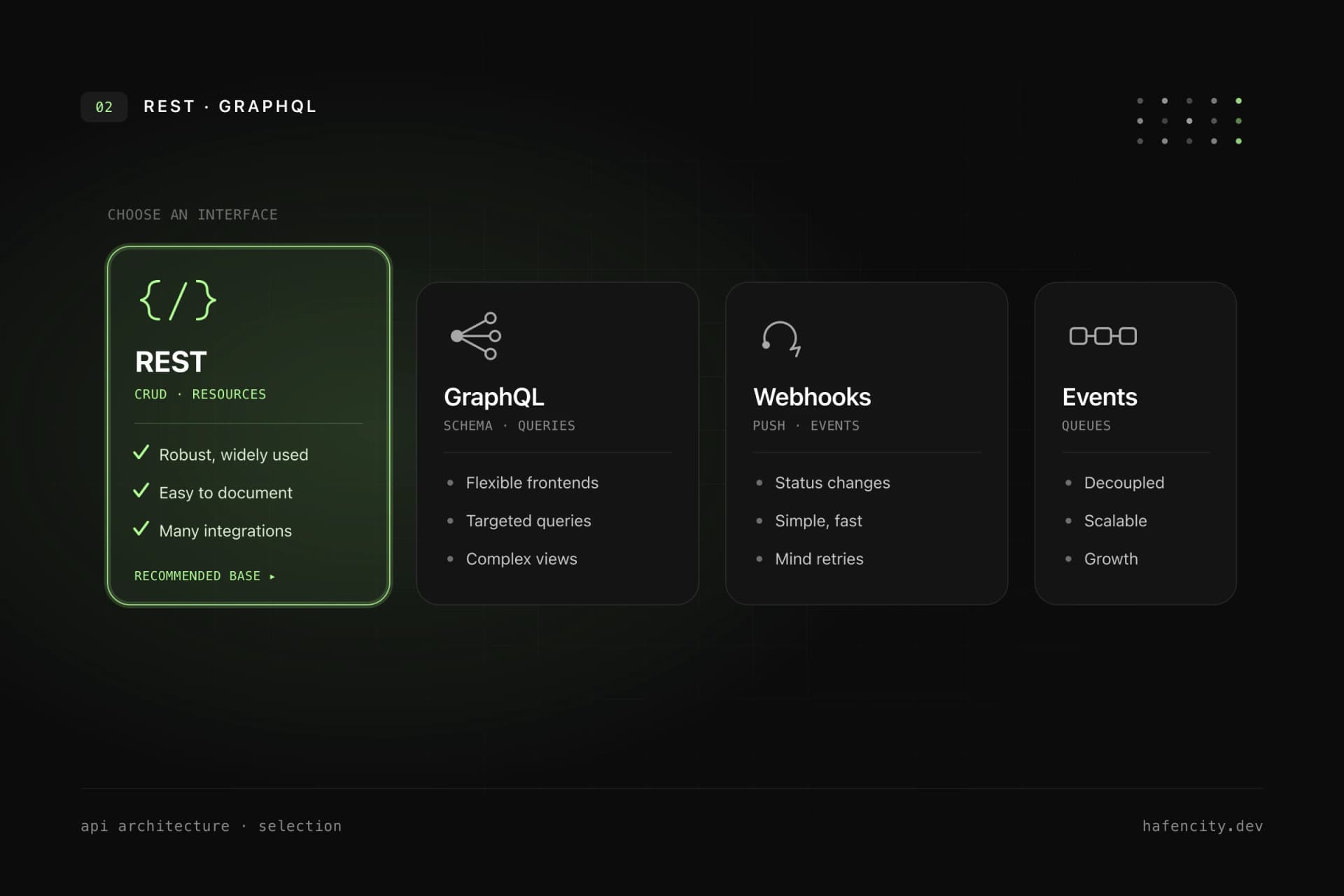
A portal should not be tightly coupled to individual third-party systems. A clean backend normalizes data, checks permissions, wraps external APIs and provides stable endpoints to the frontend. This also allows a mobile app, admin tool or additional integrations to use the same foundation later.
File storage and document protection
Files should not simply live in a public bucket. Private storage, signed downloads, permission checks, virus scanning depending on the use case, size limits, deletion periods and audit logs are important. This layer is especially critical for personal data or confidential contract documents.
Logging, monitoring and backups
A portal is production software. Errors should be visible before customers report them. This includes structured logs, error tracking, uptime monitoring, backup strategy, restore tests and clear responsibilities after launch.
Integrations with ERP, CRM and support systems
ERP and CRM integrations are often the biggest uncertainty. Not every interface is well documented, not every legacy system provides clean IDs and not every data logic fits a portal. Integrations should therefore be tested technically early before the entire MVP is planned around them.
GDPR, security and permissions
Privacy is not a final polish item for customer portals. A portal typically processes personal data, contract data, communication data or customer documents. The concrete assessment depends on the use case and does not replace legal advice, but these technical questions should be clarified early:
- Which personal data is processed?
- Which data is truly necessary for the portal purpose?
- Where are data and files hosted?
- Which service providers are processors?
- Which roles may see which data?
- How are accesses logged?
- How do deletion, archiving and export work?
- Which data may appear in logs, analytics or support tools?
The most important technical rule: permissions must be checked server-side. A hidden button in the frontend is not access control. The backend must check and log every relevant action.
Customer portal MVP roadmap
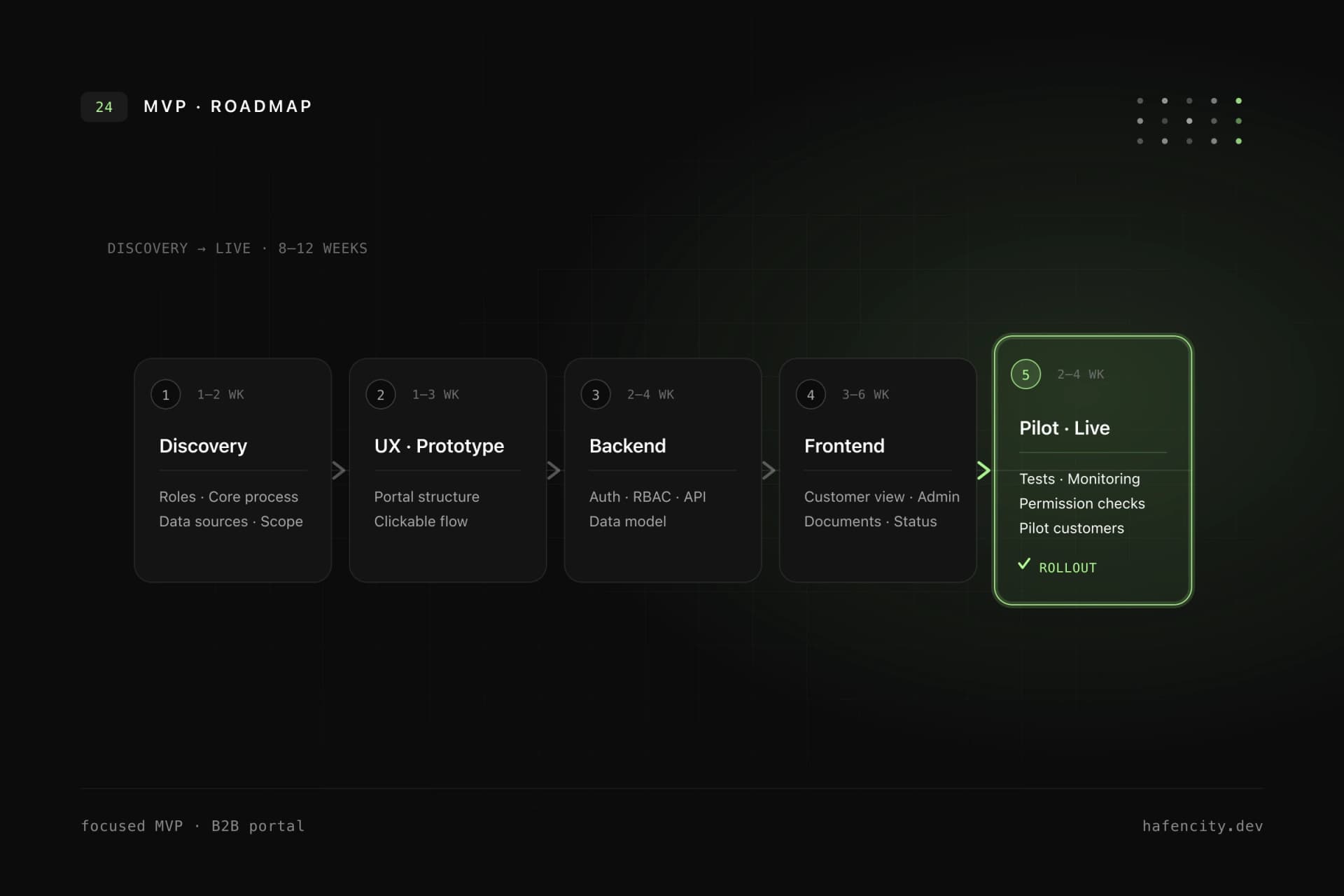
A customer portal does not have to start as a large project. A useful MVP focuses on one process, one customer group and one clear value.
| Phase | Duration | Result |
|---|---|---|
| Discovery | 1 to 2 weeks | user roles, core process, data sources, risks, MVP scope |
| UX and prototype | 1 to 3 weeks | portal structure, core flows, clickable prototype |
| Backend and data model | 2 to 4 weeks | auth, roles, data objects, API structure |
| Frontend and admin | 3 to 6 weeks | customer view, admin area, documents, status |
| Pilot and hardening | 2 to 4 weeks | tests, monitoring, permission checks, pilot customers, rollout |
The MVP should be a real version, not just a demo. Login, permissions, data persistence, admin usage, deployment and error monitoring belong in the first usable version.
Buy a portal or build a custom one?
Standard software is often the better choice when the process is standardized. A ready-made customer portal, CRM portal or helpdesk portal can start faster, cost less and already include many baseline features.
Custom development is worthwhile when:
- your process is a competitive advantage and does not fit standard logic well
- several systems need to be connected cleanly
- roles, tenants or customer groups are complex
- the portal should become part of your own digital product
- existing tools solve only parts of the problem and create new handoffs
- security, privacy or auditability are especially important
A hybrid approach is often sensible: standard software remains where it is strong, while a custom portal bundles customer view, permissions and integrations.
Customer portal MVP scope checklist
Use this checklist for a first conversation or internal scope workshop:
- Target users: Who uses the portal on the customer side?
- Main value: Which three questions or tasks should the portal solve first?
- Roles: Which internal and external roles exist?
- Data sources: Which systems provide status, documents or master data?
- Integrations: Which APIs exist and have been tested?
- Documents: Which files are uploaded, generated or approved?
- Permissions: Which data may individual users, teams or customers see?
- Notifications: Which events must actively trigger a message?
- Admin: What must your team be able to maintain itself?
- Privacy: Which personal or confidential data is involved?
- Operations: Who handles support, errors, updates and ongoing development?
- Success metric: Which emails, questions or manual steps should decrease?
If these points are still unclear, a discovery workshop is usually more economical than starting directly with design or development.
How hafencity.dev builds customer portals
We plan and build customer portals as production software: with UX flows, clean data model, backend architecture, secure roles, stable interfaces and an MVP that can be extended after the pilot. The goal is not to force as many features as possible into version one. The goal is to reliably digitize the most valuable process first.
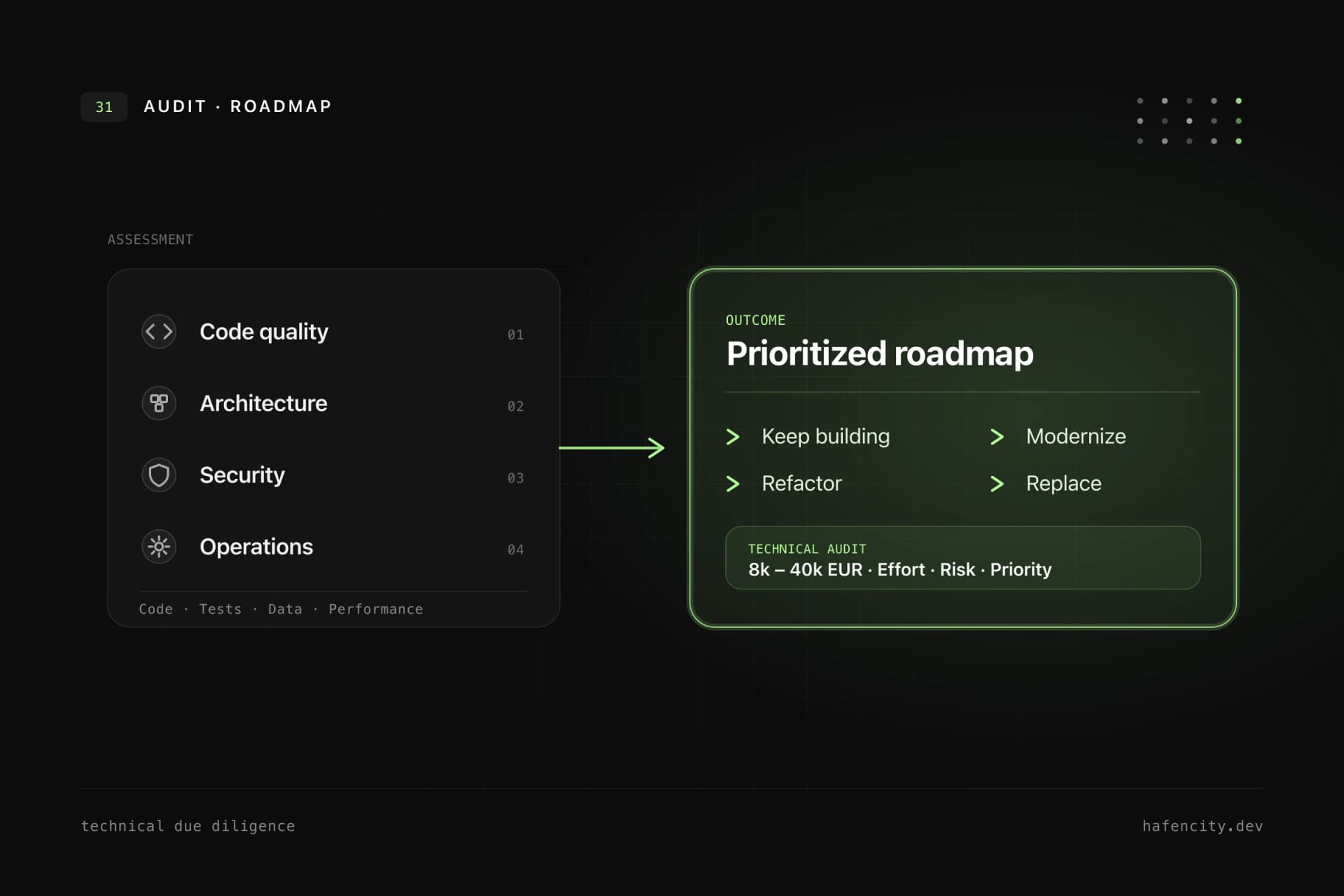
If you want to build a customer portal, the best start is a short architecture and process check. In 30 minutes, it is often possible to clarify whether a custom portal makes economic sense, which risks should be checked early and what MVP scope is realistic.
FAQ
What does a customer portal cost?
A custom B2B customer portal often ranges from 40,000 to 180,000 EUR. Smaller prototypes can be below that, while complex platforms with ERP, SSO, multi-tenancy and audit logs can be higher. Roles, data sources, integrations and security requirements are decisive.
How long does development take?
A focused MVP often takes 8 to 12 weeks. Production portals with several integrations, migration and pilot phase usually need 3 to 6 months. The timeline depends heavily on whether data sources and permissions are clarified early.
Can a customer portal be GDPR-compliant?
Yes, if privacy and security are planned from the start. That includes data minimization, role model, EU hosting options, processing agreements, encryption, deletion concept, audit logs and clean access controls.
Can a customer portal connect to ERP or CRM?
Yes. Typical integrations include ERP, CRM, support systems, document management, email, calendar, payment providers or internal databases. Technical feasibility should be validated early through an API check.
What should not be in the MVP?
Anything that does not prove the core value. Complex reporting, full automation, multiple customer segments, extensive self-service configuration and edge cases can often move to later versions.