
Legacy software is often more successful than its reputation suggests. Many old systems still run because they represent important business processes reliably. The problem begins when the same software can no longer be changed: every adjustment takes weeks, knowledge sits with individual people, integrations are missing, security updates become difficult and new digital products are blocked.
That is why companies search for legacy software modernization, replacing old systems or software migration cost. The real question is: How can a critical system be modernized without putting daily operations at unnecessary risk?
This article explains when modernization makes sense, which strategies exist, what costs to expect and how a software agency can approach a legacy project in a structured way.
What is legacy software?
Legacy software is not automatically bad software. The term describes systems that are still important, but technically or organizationally difficult to develop further. Typical signs include:
- outdated programming languages or frameworks
- missing tests
- poor or missing documentation
- few developers with system knowledge
- manual deployments
- insecure dependencies
- slow performance
- missing or unstable interfaces
- data models that no longer match reality
A system does not become legacy overnight. Technical debt usually grows over years until changes become increasingly expensive.
When does legacy software become a risk?
Modernization becomes urgent when one or more signals appear:
- New features take disproportionately long.
- Bug fixes create new bugs.
- Security updates are barely possible.
- Important libraries no longer have active maintainers.
- Data must be copied manually between systems.
- The system blocks new business models.
- Operations or hosting depend on old infrastructure.
- Key people leave the company.
The most critical combination is high business value and low changeability. The system is important enough that it cannot simply be switched off, but too rigid to grow with the company.
Modernize or rebuild?
Many teams wish for a clean restart. In practice, a complete rebuild is risky when the existing system contains a lot of business logic. It is often undocumented why certain rules exist. Those rules live in code, database structures, exports or manual workarounds.
| Approach | Good for | Risk |
|---|---|---|
| Refactoring | code is usable but hard to maintain | low to medium |
| Replatforming | infrastructure or hosting is outdated | medium |
| Rewriting individual modules | clear and separable parts | medium |
| Incremental replacement | critical system with many functions | medium to high, but controllable |
| Complete rebuild | old system is small or no longer fits the business | high if business logic is unknown |
A complete rebuild can make sense when the old system no longer fits the business at all. More often, incremental modernization is the safer choice.
The safest strategy: replace step by step
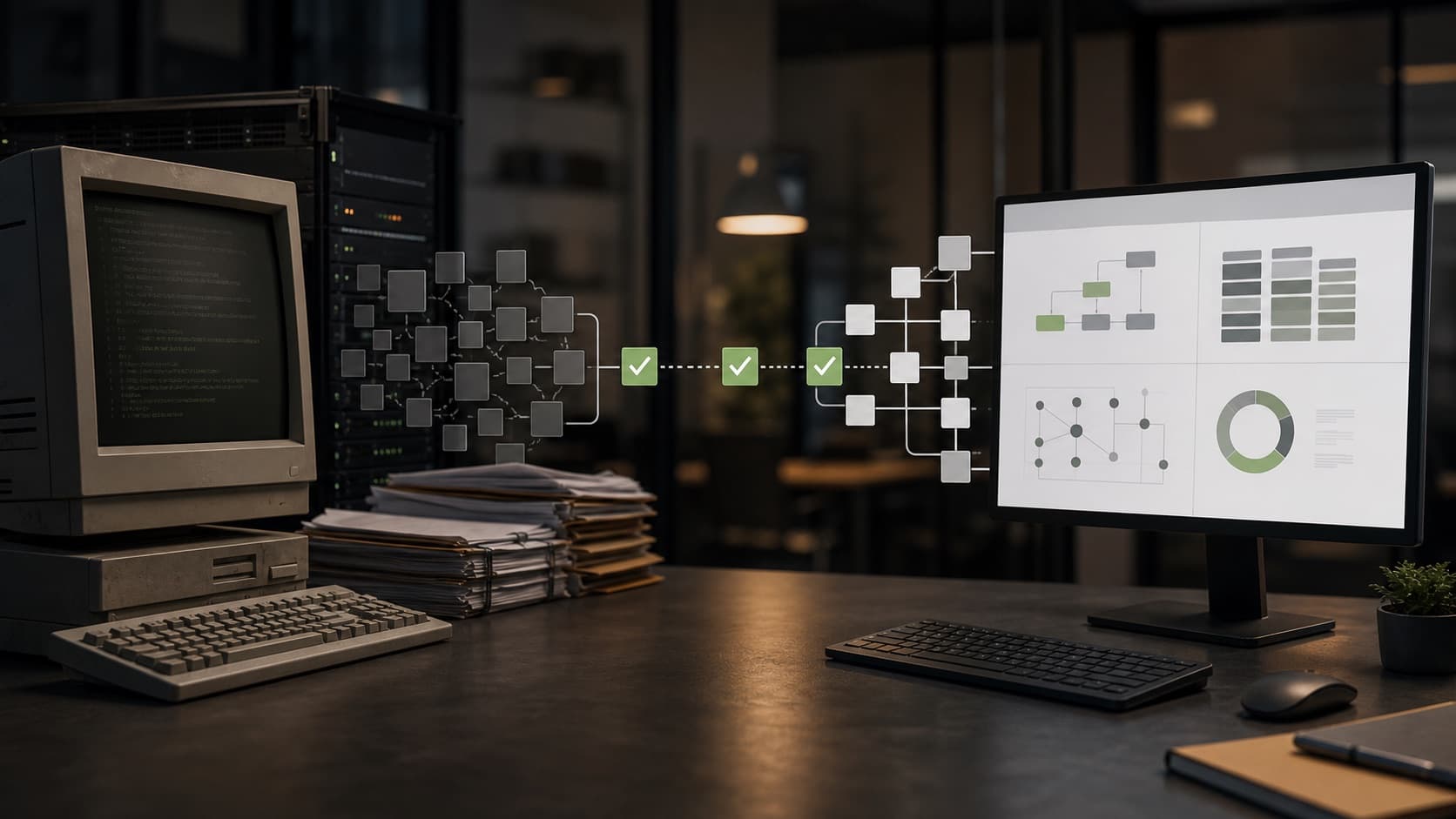
For critical systems, a big-bang migration is dangerous. A safer strategy is incremental modernization: the old system stays in operation while individual areas are rebuilt and traffic is redirected in controlled steps. This is often described as the strangler fig approach.
In practice, this can mean:
- placing new APIs in front of the legacy system
- moving individual functions into modern services
- building new interfaces on top of existing data
- preparing data migration gradually
- switching off old modules only when the new ones are stable
This reduces risk because not everything has to be migrated at once.
What does legacy modernization cost?
Cost depends heavily on system size, code quality, data model, documentation and operational risk. As a rough orientation:
| Project | Typical scope | Realistic range |
|---|---|---|
| Technical audit | code, architecture, risks, roadmap | 5,000 to 20,000 EUR |
| Refactoring package | tests, code structure, dependencies, build | 15,000 to 60,000 EUR |
| Module modernization | one process or service is replaced | 40,000 to 150,000 EUR |
| System migration | data, integrations, new app, operations | from 150,000 EUR |
These ranges are intentionally broad. A small internal tool can be modernized with manageable effort. A business-critical system with data migration, user roles, reporting, accounting and external integrations is a multi-month program.
Phase 1: understand the system
Before modernization starts, the team needs to know what the system really does. This includes:
- code and architecture review
- database analysis
- infrastructure check
- dependency analysis
- security and privacy review
- interviews with departments
- analysis of manual workarounds
- evaluation of current bugs and bottlenecks
This phase matters because legacy systems often contain more business knowledge than the documentation. Teams that rebuild too early risk missing critical rules.
Phase 2: prioritize risks
Not everything needs to be modernized at the same time. A useful prioritization combines business value and technical risk.
High priority areas are parts that:
- change frequently
- cause many errors
- contain security risks
- move important data
- block new products
- depend heavily on individual people
Low priority areas can often remain longer if they are stable, rarely changed and properly isolated.
Phase 3: build a safety net with tests
Legacy modernization without tests is risky. Even if the existing system has no test suite, a safety net can be added gradually:
- characterization tests for existing behaviour
- API tests for critical endpoints
- data migration tests
- end-to-end tests for core processes
- monitoring for errors and performance
- rollback strategies for deployments
Tests do not need to cover everything immediately. They should first protect the processes that are financially, legally or operationally critical.
Phase 4: stabilize interfaces
Many legacy systems are hard to modernize because other systems access database tables, exports or manual files directly. A useful intermediate step is a stable API layer.
This API can:
- control access
- normalize data formats
- enable new frontends
- simplify external integrations
- prepare later replacement
In API and integration development, the important point is not only to build endpoints, but to clarify responsibilities for business data.
Phase 5: plan data migration
Data migration is often the most critical part. Old data is rarely as clean as it looks. Typical problems include:
- duplicate records
- missing required fields
- outdated status values
- free text instead of structured data
- historical edge cases
- contradictory customer data
A good migration is not just an import script. It needs mapping, validation, test runs, business acceptance and a transition plan. For critical data, it also needs a fallback strategy.
Common mistakes in legacy projects
Replacing everything at once
A large rebuild feels clean, but it is risky. The more business logic is unknown, the higher the chance that the new system forgets important edge cases.
Looking only at technology
Legacy is not only a framework problem. Processes, data, responsibilities and operations are part of the system. A modern framework does not fix unclear business rules.
Not involving departments
The people who work with the system every day know many edge cases. Without that knowledge, new systems can be technically modern but functionally incomplete.
Forgetting operations
Modernization does not end at launch. Monitoring, backups, security updates, deployment processes and support need to be planned.
Modernization checklist
Before starting, companies should answer:
- Which processes are business-critical?
- Which parts change frequently?
- Which dependencies are outdated or insecure?
- Are there tests or only manual checks?
- Which data needs to be migrated?
- Which interfaces already exist?
- Who knows the business edge cases?
- Which risks are acceptable?
- Is there a rollback plan?
- How will modernization success be measured?
Possible success metrics are shorter release cycles, fewer bugs, better performance, lower operating cost, improved security or faster delivery of new features.
Final thoughts
Legacy software modernization does not mean throwing everything old away immediately. Good modernization starts with understanding, prioritization and a safety net. Then critical parts can be replaced step by step, interfaces can be stabilized and data can be migrated in a controlled way.
For many companies, this is more economical than a radical rebuild. The software remains usable during modernization, risks become visible and investment goes where it has the greatest effect.