
Many companies know they should use AI. The harder question is where to start. According to the Bitkom AI Study 2026, 41% of German companies now use AI actively, up from just 17% in 2024. The jump is large. But speed alone does not create value.
That is exactly what a widely cited 2025 MIT study shows: around 95% of the GenAI pilots studied delivered no measurable impact on the profit and loss statement. The difference between the 5% that deliver and the rest is rarely the model. It is the choice of use case, clean integration and a measurement logic. Realistic AI projects start where work is frequent, based on existing information and reviewable by humans.
What makes a viable AI use case
A good AI use case is not a tool purchase but a clearly scoped problem with a checkable result. Weak starting points are vague goals such as "we want to automate everything". A better question is: "How can we reduce manual handling time for support tickets by 20% without lowering answer quality or weakening data protection?"
Viable use cases meet several criteria at once: they solve a real business problem, have enough data or documents as input, produce a checkable result, keep errors manageable, can be measured and clarify privacy and permissions up front. If one of these is missing, the pilot quickly becomes a demo with no effect. A structured AI strategy helps prioritize these questions instead of treating every tool decision as a separate experiment.
The obvious starting points at a glance
The most valuable entry points are rarely spectacular; they take load off recurring, language-heavy work. Seven areas work especially well in practice because they build on existing information and are easy to measure.
| Use case | Typical value | Main risk | Measured by |
|---|---|---|---|
| Support triage | summarize, classify, draft answers | wrong tone without review | handling time, first-contact resolution |
| Internal knowledge search | understand questions, answer with sources | stale or unprotected sources | search time, hit quality |
| Document analysis | extract deadlines, obligations, risks | missing expert sign-off | review time per document |
| Sales preparation | briefings, drafts, question lists | invented commitments or prices | prep time, win rate |
| QA & testing | test ideas, edge cases, error analysis | tests that do not run | defects found, review time |
| Reporting | explain raw data, draft narratives | invented metrics | drafting time, correction effort |
| Process automation | classify unstructured inputs | uncontrolled actions | cycle time, error rate |
The common thread: AI prepares, people decide. In support especially, no final answer should go out without review at the start. For internal knowledge search, a professional AI integration connects sources, permissions and citations instead of copying knowledge into an uncontrolled external tool. How a knowledge-based system is built cleanly is covered in detail in our post on AI chatbots, RAG and GDPR.
Where the ROI really sits: back office before marketing
The most surprising MIT finding: most GenAI budgets flow into marketing and sales, but the measurable value appears in the back office. Automated preparation in support, knowledge work and document review pays straight into handling time and quality, where savings become visible quickly.
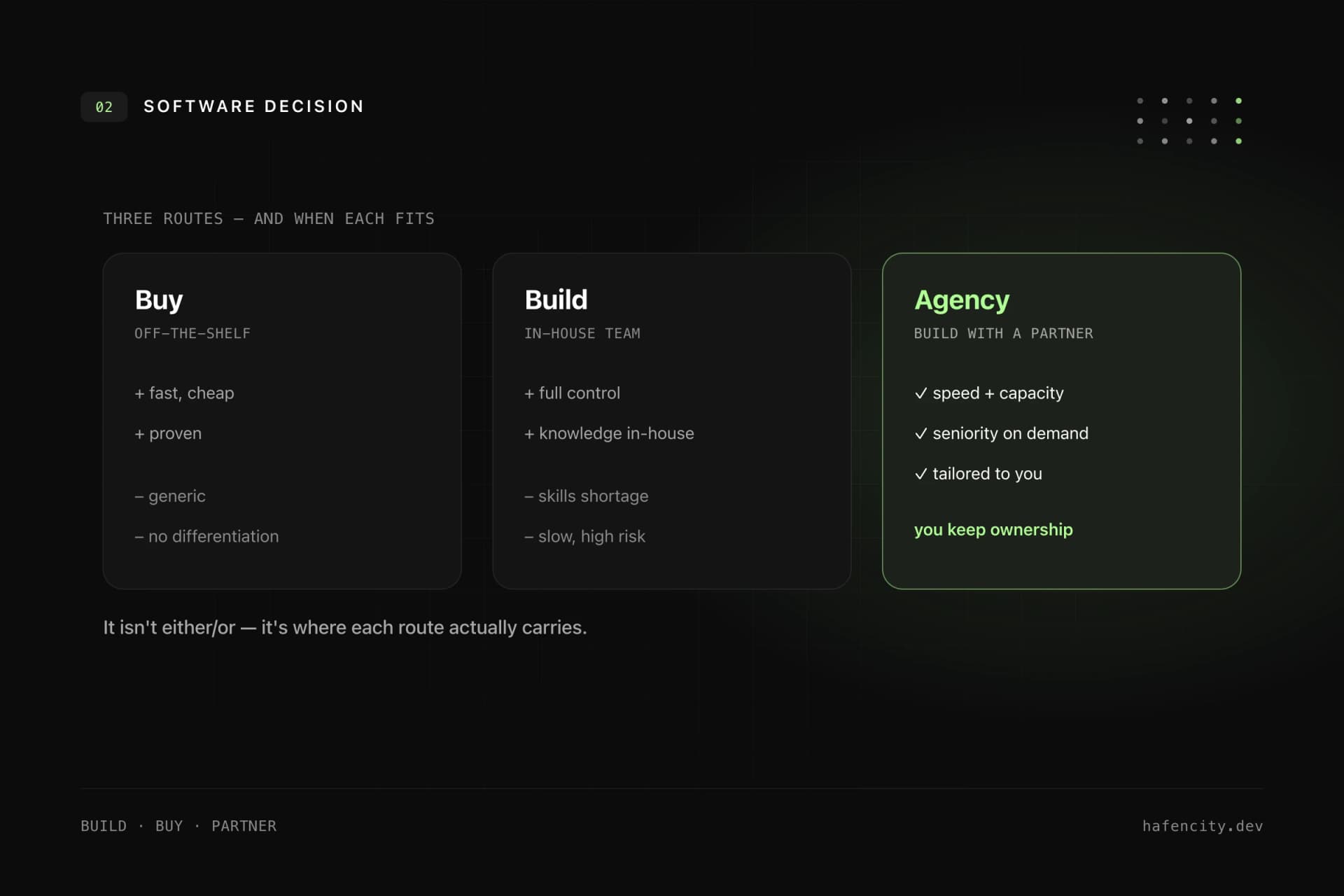
How you build it matters too. Per MIT, focused tools bought from vendors succeed roughly three times as often as generic internal builds that never learn from real workflows. This lines up with field research on productivity: an NBER study on AI assistance in customer service found about a 14% average productivity gain, strongest for less experienced staff. The lesson is not "more AI" but "the right AI in the right place, tightly integrated".
Governance, data protection and the EU AI Act
Governance sounds bureaucratic, but it is the foundation for productive AI. Without clear rules, every tool user decides for themselves which data flows into which system, which is neither safe nor scalable. A practical start is a short AI policy with use case categories (allowed, allowed after review, not allowed), clear roles, technical access controls and a register of AI applications in production.
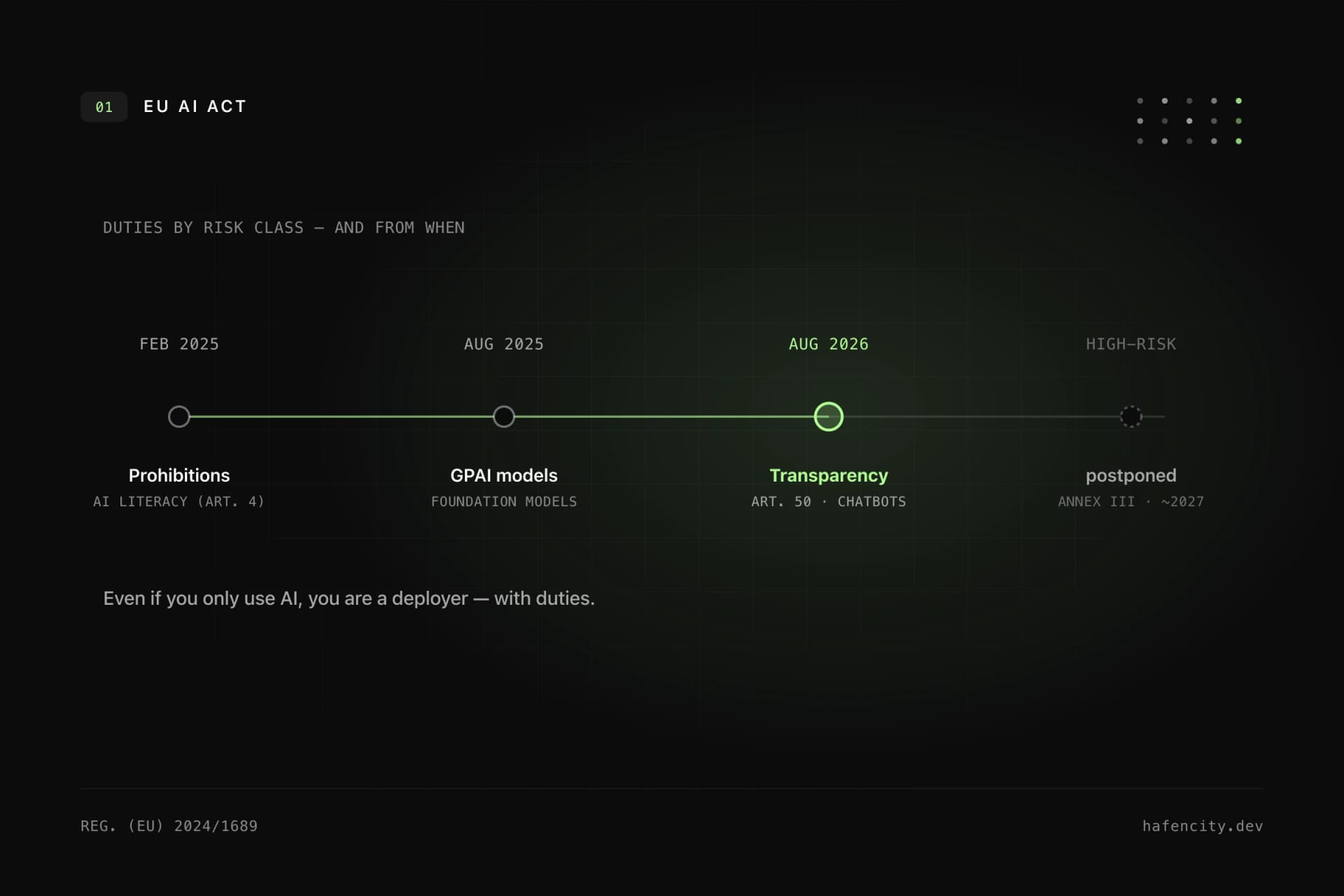
Data protection is not a detail at the end; it often determines the architecture. Before launch, clarify the questions: are personal data processed? Where does processing take place? Which vendors and subprocessors are involved? For sensitive data, EU-based or private processing can make sense. There is also the regulatory frame: per the EU AI Act timeline, obligations for general-purpose AI models have applied since 2 August 2025, and the rules for high-risk systems apply from 2 August 2026. Most internal assistance use cases are not high-risk, but they should be classified and documented early. More on this in our post on risk and governance in AI software projects.
Measuring ROI: small metrics instead of big promises
A pilot should not only work technically; it needs a measurement logic before it starts. This does not have to be complicated. A few metrics are often enough at the start: time saved per case, number of cases handled per month, error or rework rate, cycle time, team adoption and output quality after review.
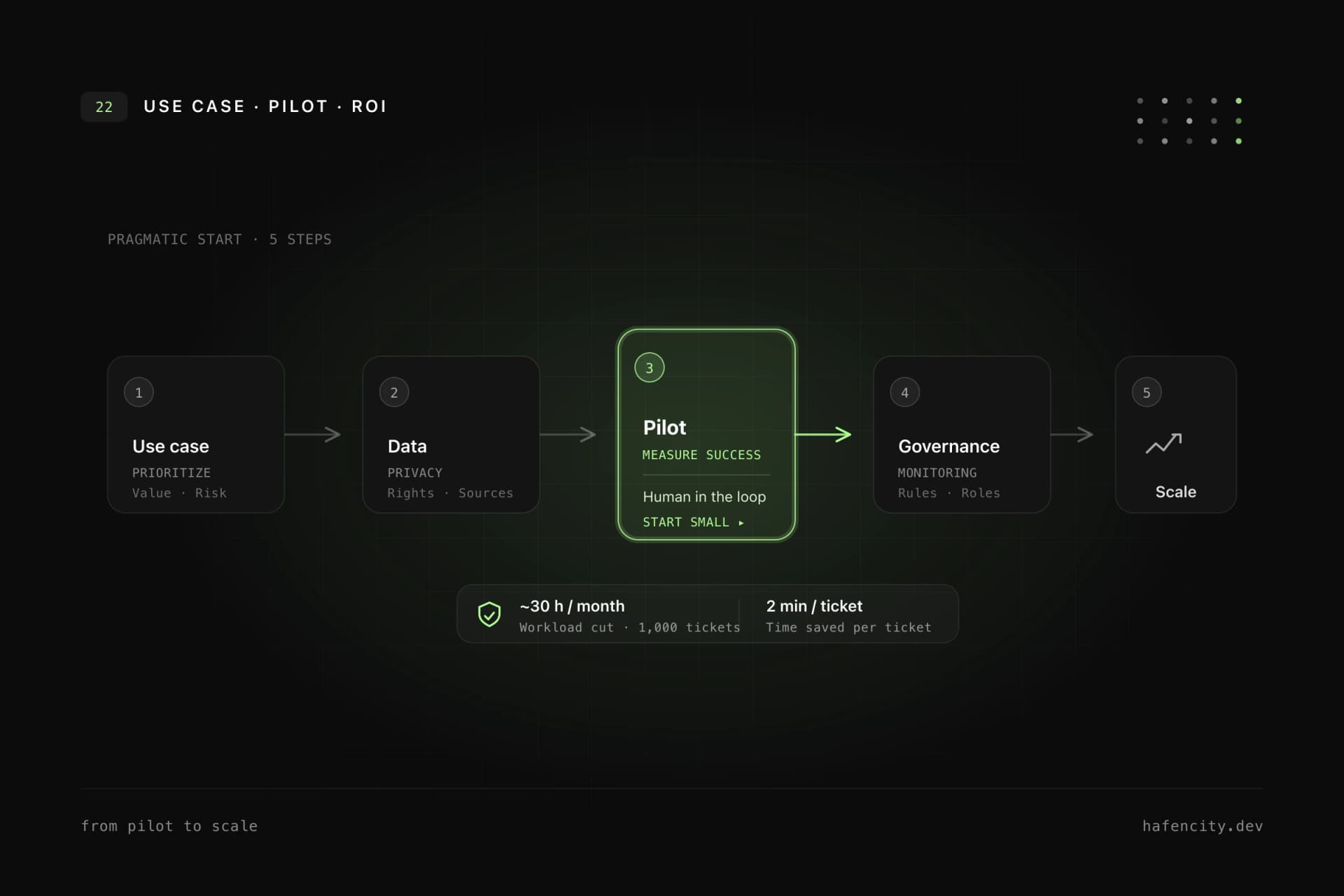
Example: if a support team handles 1,000 tickets per month and AI saves two minutes per ticket on average, that is more than 30 hours saved per month. Whether it pays off depends on tool costs, integration effort, quality and risk. That is exactly why the metric needs a baseline before the start, otherwise you cannot tell later whether the pilot worked. Just as important: AI must not invent metrics. Numbers have to come from reliable systems; the strength of AI lies in interpretation, structure and clear summaries.
How companies can start pragmatically
A good start does not take twelve months; it begins with a limited use case, clear data sources and measurable goals. Instead of a grand transformation, a short, repeatable sequence helps, one that allows a decision after each step.
Concretely: first collect processes that are frequent, manual and data-based. Then prioritize by value, risk and feasibility. Clarify privacy and permissions up front, build a pilot with clear success metrics, test results with real users and add governance, monitoring and operations. Only then scale to further processes. More complex, multi-step workflows can later be supported by AI agents, with limited permissions, logging and approvals for critical steps. The most important point remains: AI does not become productive through a demo, but through clean integration, good data and clear boundaries.
Next steps
Three questions move the decision forward faster than any tool demo:
- Process: which recurring, language-heavy task is costing your team the most time right now?
- Data: is the necessary information available in structured form and with clear permissions?
- Measurement: which metric would tell you in three months that the pilot was worth it?
Unsure where the best entry point is? We prioritize this in projects regularly, pragmatically and with an eye on value, risk and budget. Begin with an AI strategy or book a first call directly.