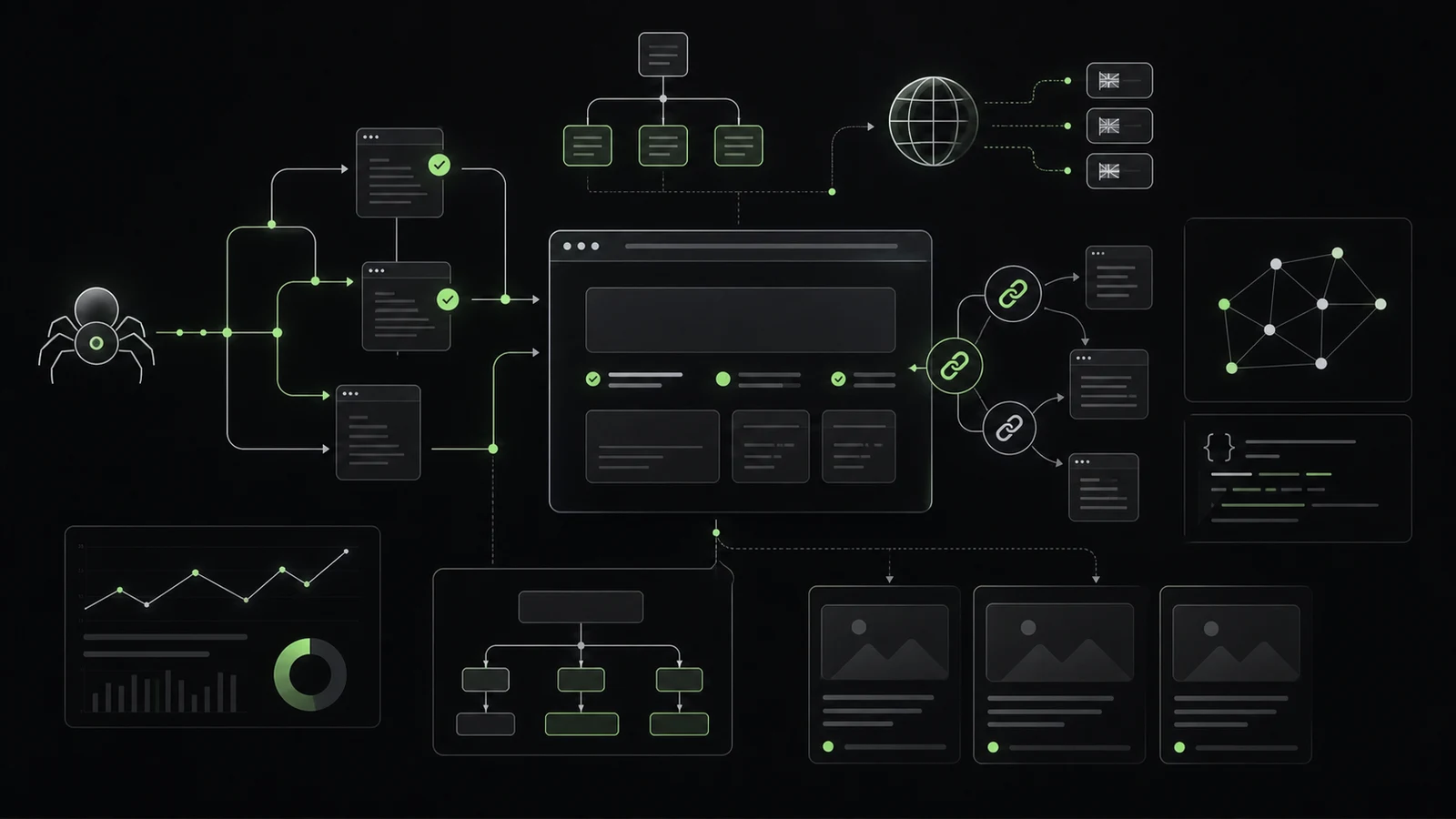

Many software companies still treat SEO mainly as a content task: research keywords, write blog posts, optimize meta titles. None of that is wrong, but it is incomplete. For SaaS, B2B and software websites, the technical foundation often decides whether strong content can appear in search at all.
A product page can explain the value of a platform perfectly. Documentation can answer exactly the questions developers have before an integration. A blog can help technical buyers make better decisions. But if these pages are not crawlable, are not indexed, set the wrong canonicals, confuse language versions or sit inside an unclear site structure, much of that work is wasted.
Technical SEO is not a final checklist. It is part of product and website architecture.
Keywords are only the starting point
Keywords show how a market talks. For software companies, that matters because buyers, users and technical decision-makers often search differently:
- Executives search for outcomes, cost and risk.
- Product owners search for use cases, integrations and time-to-market.
- Developers search for API docs, SDKs, webhooks, limits and examples.
- Security or compliance teams search for privacy, roles, audit logs and certifications.
SEO starts with search intent, not keyword density. The real work is translating that intent into a durable site structure: product pages, solution pages, comparison pages, documentation, reference pages, blog posts and technical resources need to be connected in a way that people and search engines can understand.
Crawlability: Can Google reach the important pages?
Crawlability describes whether search engines can discover and fetch pages. For modern software websites, this is especially important because many pages are delivered through JavaScript, filters, dynamic routes or headless CMS setups.
Common problems include:
- important pages are reachable only through JavaScript events
- links are buttons or
divelements instead of real<a href="...">links - documentation sections sit behind login, redirects or broken status codes
- staging, preview or parameter URLs consume crawl attention
- faceted filters create many weak URL variants
Google's link best practices explain that links should generally be crawlable as a elements with href attributes. For SaaS websites, this is not a minor implementation detail. If pricing, docs, integrations or reference pages are only reachable through client-side state, organic visibility can suffer unnecessarily.
Indexability: Should the page be in the search index?
Crawling does not automatically mean indexing. A page can be accessible and still not enter the index because of noindex, conflicting canonicals, low value, duplicates or technical errors.
For software companies, indexability is a strategic decision. Not every URL should be indexed. The strongest candidates are pages with distinct search value:
- product and feature pages
- use-case and industry pages
- integration pages
- comparison pages
- documentation pages with public value
- API references when they matter to external developers
- blog posts, guides and technical explainers
- customer references and case studies
Internal search pages, account areas, thin filter variants, temporary campaign pages, preview URLs and duplicate parameter pages are often better kept out of the index. Good technical SEO means modeling that difference intentionally.
Canonicals: Which URL is the main version?
Software websites quickly create duplicates: /pricing, /de/pricing, tracking parameters, sorted lists, campaign variants, documentation versions or nearly identical landing pages for similar use cases. Canonicals help search engines understand which URL should be treated as the representative version.
Google describes canonicalization as the selection of the representative URL for a group of similar or duplicate pages. This matters because Google may otherwise choose a canonical URL on its own. That choice can differ from the URL you prefer when signals conflict.
Pragmatic rules:
- every indexable page should have a self-referencing canonical
- duplicates should point to the preferred main URL
- sitemaps should contain canonical URLs
- internal links should consistently point to the canonical version
- canonicals, redirects, hreflang and status codes must not contradict each other
Canonicals are not a fix for chaotic information architecture. They work best when the URL strategy is already clear.
Structured data: Make meaning explicit
Structured data helps Google better understand the content of a page. Google recommends JSON-LD for most cases when it fits the website setup. For software companies, common candidates include:
Organizationfor company informationSoftwareApplicationorProductfor software or SaaS offerings when the requirements are metArticleorBlogPostingfor editorial contentBreadcrumbListfor site hierarchyFAQPagewhen real visible questions and answers are present and Google's guidelines are metVideoObjectwhen product videos or tutorials are embedded
Important: structured data should not claim content that users cannot see on the page. It is a semantic amplifier, not a replacement for useful content.
hreflang: Connect language versions cleanly
Many B2B software companies operate in more than one language: German and English, sometimes with regional markets such as DACH, UK or US. Translating the website is not enough. Language and regional versions need to be technically consistent.
Google recommends hreflang when multiple language or regional versions of a page exist. Each version should reference itself and the other versions. For a German and English website, that means the German page links to itself and the English variant, and the English page also links to both variants.
Common mistakes:
- missing return links between language versions
hreflangpoints to non-canonical URLs- automatic translations without independent content value
- English and German pages share a slug but have incorrect metadata
- the canonical points across language boundaries to another language
For SaaS websites with docs, blog and product pages, hreflang should not be improvised manually page by page. It belongs in the routing and CMS model.
Sitemaps: Report the right pages, not every page
A sitemap does not guarantee indexing. But it helps search engines discover important new or updated pages more efficiently. Google describes sitemaps as especially useful for larger, more complex or specialized websites.
For software companies, a good sitemap is more than a dump of all URLs. It should include the most important canonical pages:
- product and solution pages
- public documentation
- blog posts and guides
- reference pages and case studies
- integration and partner pages
- relevant trust pages such as privacy, security or DPA pages
Broken URLs, redirects, noindex pages, internal search results, test pages and parameter duplicates usually do not belong there. If the site has multiple languages, docs versions or large blog archives, separate sitemap files can make maintenance easier.
Internal linking: Make architecture visible
Internal links are the connection between content strategy and technical SEO. They help users find the next useful step, and they help search engines understand priority and context.
For SaaS and B2B websites, valuable patterns include:
- feature pages link to relevant docs and use cases
- docs link back to product, pricing or contact pages when it is useful
- blog posts link to evergreen product and reference pages
- comparison pages link to migration guides, integrations and case studies
- case studies link to the problems solved, not only to the homepage
Good internal links use descriptive anchor text. "Understand API rate limits" is more useful than "click here". That is better for users and for search engines.
Performance: SEO is also product quality
Performance is not an isolated ranking trick. It affects how quickly users see content, whether they can interact and whether a page stays stable on mobile devices. Google describes page experience as an overall picture that includes Core Web Vitals, secure delivery, mobile usability and avoiding intrusive experiences.
Common performance issues on software websites include:
- oversized hero images or unoptimized screenshots
- heavy JavaScript bundles from marketing tools
- client-rendered content without a clean server-rendering or prerendering strategy
- blocking fonts, tracking scripts or consent tools
- documentation pages that ship unnecessary app code
For SaaS sites, it is worth treating the marketing website, docs and application separately. Public documentation does not need to carry the same JavaScript weight as a logged-in product.
Content architecture: Docs, blog and reference pages belong together
Software companies have an SEO advantage many traditional websites do not have: deep expertise. The problem is often not too little content, but scattered architecture.
A strong content architecture separates and connects several page types:
- Product pages explain value, target groups, differentiation and conversion paths.
- Feature pages answer concrete functionality and buying questions.
- Use-case pages show which problem is solved for which role.
- Documentation helps users and developers with setup, integration and operation.
- API references provide precise technical details.
- Blog posts explain trends, decisions, best practices and context.
- Case studies prove outcomes through real projects.
- Comparison and alternative pages support evaluating buyers.
These page types should not compete with each other. A blog post about webhook best practices does not replace an API reference. An API reference does not replace a clear integration page. A feature page does not replace a case study. Good technical SEO makes these roles explicit.
What a technical SEO audit should check
A useful audit for SaaS, B2B and software websites checks more than titles and keywords. It connects website engineering, CMS behavior, routing, content models and product understanding.
A pragmatic checklist:
- Are all strategically important pages crawlable?
- Are links real crawlable HTML links?
- Which pages are indexable,
noindexor blocked? - Do canonicals, redirects and sitemaps agree?
- Are language versions connected consistently with hreflang?
- Is structured data valid and factually accurate?
- Are there URL duplicates caused by parameters, filters or campaigns?
- Are docs, blog, product pages and references linked sensibly?
- Do important pages load fast enough on mobile devices?
- Is content server-rendered or prerendered when it should be discoverable in search?
- Are there clear content clusters for products, use cases, integrations and technical questions?
The key point: technical SEO should be repeatable inside the development process. New pages, new languages, new docs versions and new campaigns should not accidentally reshape the search structure every time.
Conclusion
Keywords help teams understand market language. For software companies, that is not enough. Organic visibility appears only when search engines can find the right pages, fetch them, index them, categorize them and connect them with the right alternatives.
Technical SEO is therefore an architecture topic. It connects crawlability, indexability, canonicals, structured data, hreflang, sitemaps, internal links, performance and content models into a durable system. When that foundation is strong, docs, blog posts, references and product pages become more than content. They become an organic acquisition system.
Sources and further reading
- Google Search Central: Overview of crawling and indexing topics
- Google Search Central: Google Search technical requirements
- Google Search Central: Link best practices for Google
- Google Search Central: What is canonicalization
- Google Search Central: How to specify a canonical URL
- Google Search Central: Introduction to structured data markup
- Google Search Central: Tell Google about localized versions of your page
- Google Search Central: Build and submit a sitemap
- Google Search Central: Understanding page experience in Google Search results