
Legacy software is often more successful than its reputation suggests: many old systems still run because they represent core business processes reliably. What gets expensive is not age, but rigidity. Technical debt ties up 20 to 40 percent of an entire IT estate's value, according to CIO estimates compiled by McKinsey – and 10 to 20 percent of budgets meant for new products quietly drains into cleaning up old liabilities.
So the real question is not "rebuild or keep", but: How can a critical system be modernized without putting daily operations at risk? This article shows when modernization becomes urgent, which strategies exist and what they realistically cost in the DACH market.
When legacy software turns from asset to risk
A system does not become a legacy risk overnight – the critical combination is high business value paired with low changeability. The software is then too important to switch off, yet too rigid to grow with the company. That is exactly where technical debt accumulates over years until every change gets expensive.
Concrete warning signs that modernization is becoming urgent:
- New features take disproportionately long; bug fixes create new bugs.
- Security updates are barely possible; important libraries no longer have active maintainers.
- Data is copied manually between systems; integrations are missing or unstable.
- Operations and hosting depend on outdated infrastructure; knowledge sits with individual people.
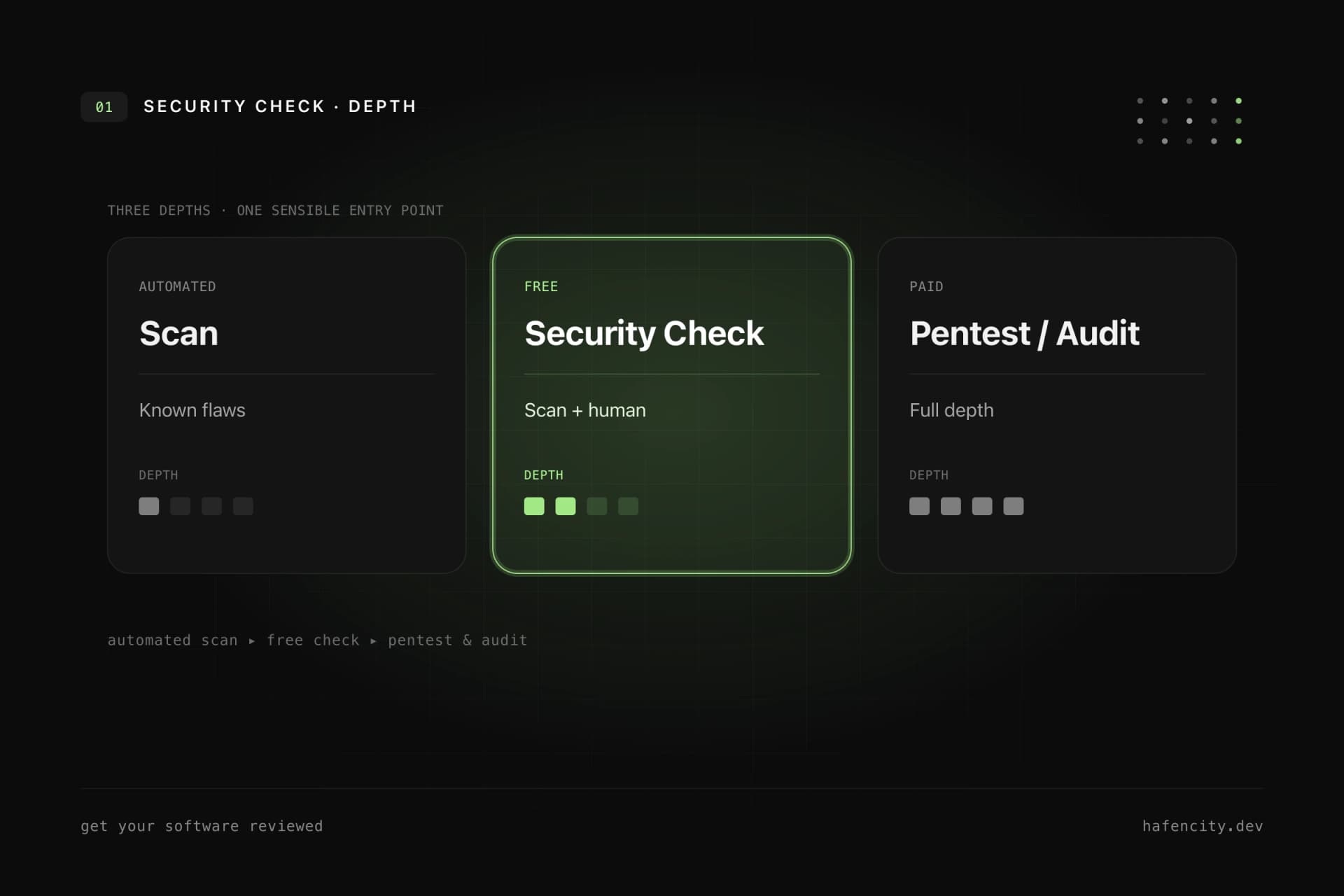
That this is no niche issue is clear in the DACH market: the German industry association Bitkom dedicated a 2025 practitioner publication to software modernization, precisely because outdated architectures slow down digitalization for many companies. Looking early leaves you with more options – a structured software audit makes the state of the system measurable.
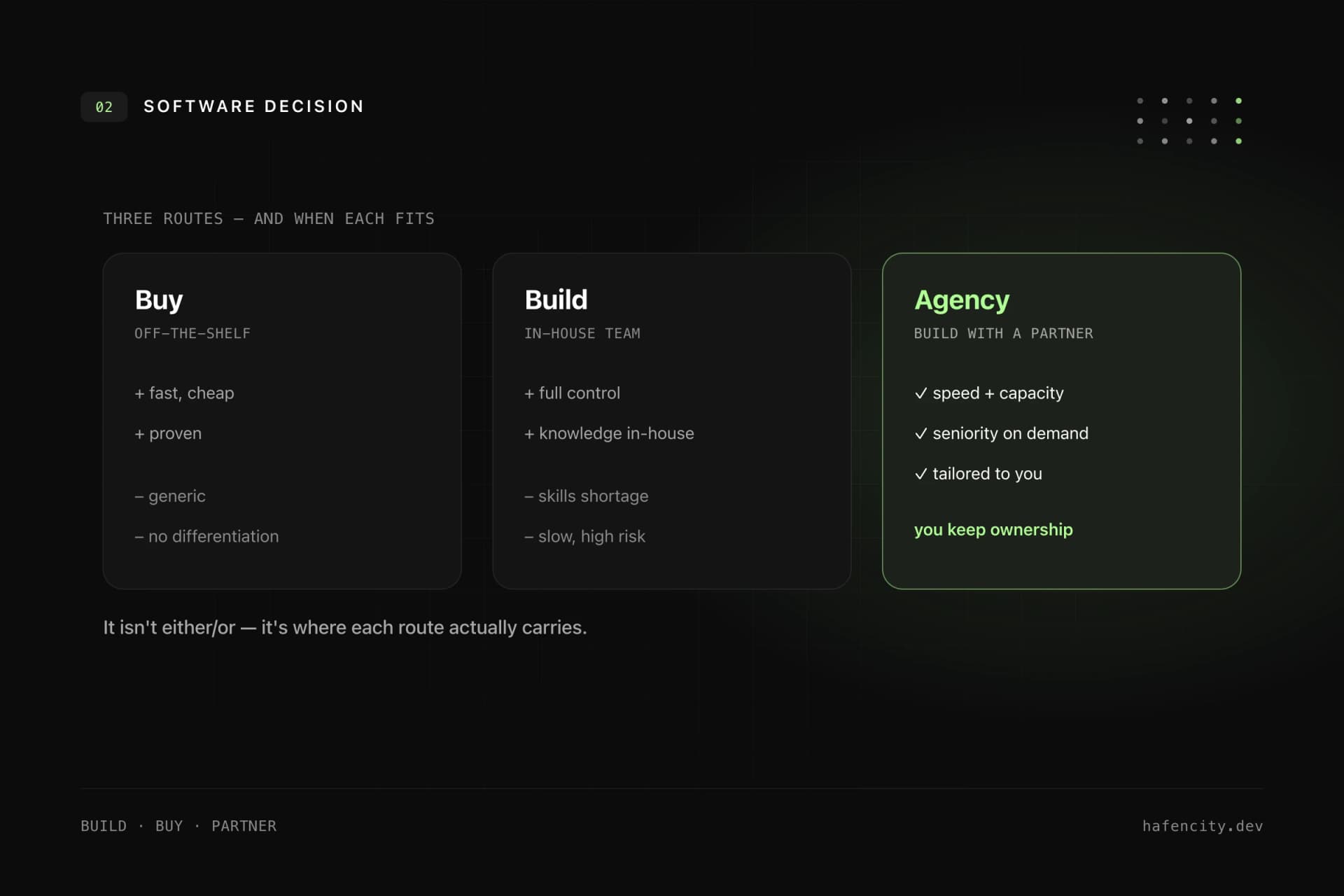
Modernize or rebuild? The strategies compared
The wish for a clean restart is understandable – but in practice, a complete rebuild is the riskiest route. Large big-bang rewrites fail disproportionately often because it is unclear why certain rules exist. Those rules live in code, database structures, exports and manual workarounds – not in the documentation. Martin Fowler warns of exactly this in his classic on the Strangler Fig Application.
| Approach | Good for | Risk |
|---|---|---|
| Refactoring | code is usable but hard to maintain | low to medium |
| Replatforming | infrastructure or hosting is outdated | medium |
| Rewriting individual modules | clear, separable parts | medium |
| Incremental replacement | critical system with many functions | medium to high, but controllable |
| Complete rebuild | old system is small or no longer fits | high if business logic is unknown |
A rebuild can be the right call when the old system no longer fits the business at all. More often, incremental modernization wins – it keeps risk small and delivers results early.
The safe path: replace step by step
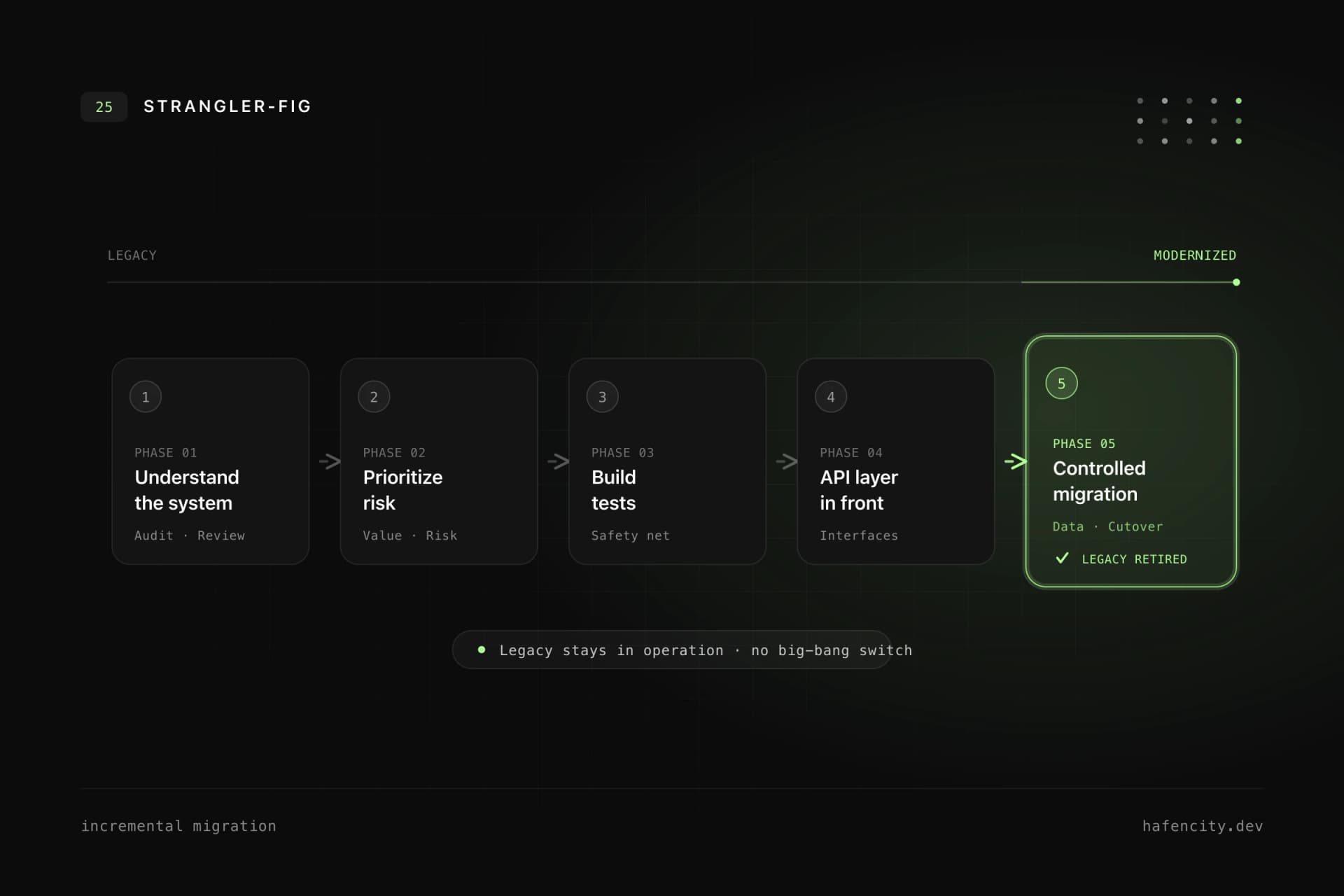
For critical systems, a big-bang switch is dangerous – incremental replacement is safer. The old system stays in operation while individual areas are rebuilt and traffic is redirected in controlled steps. This pattern is known as the strangler fig approach: new services grow around the legacy system and gradually take over its responsibilities.
In practice this follows a clear roadmap – five phases that overlap but build on each other.
- Phase 1 – Understand: code and architecture review, database and dependency analysis, interviews with departments. Legacy systems often contain more business knowledge than their documentation.
- Phase 2 – Prioritize: by business value and technical risk. High priority goes to parts that change frequently, cause many errors or block new products.
- Phase 3 – Safeguard: characterization tests, API tests, monitoring and rollback strategies. Protect the processes that are financially, legally or operationally critical first.
- Phase 4 – Stabilize interfaces: put a clean API layer in front of the legacy system instead of letting other systems hit tables directly.
- Phase 5 – Replace: retire individual modules and switch off old ones only once the new ones run reliably.
What does legacy modernization cost?
There is no flat price – cost depends on system size, code quality, data model and operational risk. The ranges below give a rough orientation. They are based on typical agency projects in the DACH market, where day rates for experienced teams usually sit between 900 and 1,400 €; freelance IT professionals averaged around 102 € per hour in 2025, according to freelancermap.
| Project | Typical scope | Realistic range |
|---|---|---|
| Technical audit | code, architecture, risks, roadmap | 5,000–20,000 € |
| Refactoring package | tests, code structure, dependencies, build | 15,000–60,000 € |
| Module modernization | one process or service is replaced | 40,000–150,000 € |
| System migration | data, integrations, new app, operations | from 150,000 € |
The ranges are intentionally broad. A small internal tool can be modernized with manageable effort; a business-critical system with data migration, user roles, reporting and external integrations is a multi-month program. Important: modernization does not end at launch – operations, maintenance and further development belong in the budget.
Common mistakes in legacy projects
The most expensive mistakes are rarely technical – they are planning failures. Four patterns recur:
- Replacing everything at once. The more business logic is unknown, the higher the chance the rebuild forgets important edge cases.
- Looking only at technology. Legacy is not just a framework problem. Processes, data, responsibilities and operations are part of it – a modern framework does not fix unclear business rules.
- Not involving departments. The people who use the system every day know the edge cases. Without their knowledge, you build systems that are technically modern but functionally incomplete.
- Forgetting operations. Monitoring, backups, security updates and deployment processes must be planned from the start – otherwise the technical debt simply moves on.
Data deserves special attention: old datasets are rarely as clean as they look. Duplicate records, missing required fields, free-text fields and historical edge cases make migration the most critical part. A good migration is not an import script but mapping, validation, test runs, business sign-off and a fallback strategy. How we set up data models and interfaces cleanly is shown on our backend development page.
Next steps
Three questions clarify the direction faster than any tooling debate:
- Business value: Which processes are truly critical – and which parts of the system change most often?
- Risk: Where do outdated dependencies, missing tests or single points of knowledge sit?
- Data: Which datasets need to be migrated, and how clean are they really?
If you have answers here, you don't need a grand replacement – you need a plan. That is exactly what we deliver: an audit that makes business logic, dependencies and data quality visible, and a roadmap that prioritizes risk. Take a look at our software development or book an intro call.