
Many B2B companies want to build a customer portal when day-to-day collaboration creates too much manual coordination: status questions by email, documents in scattered folders, approvals through PDF attachments, duplicate data entry in CRM and ERP. A customer portal is then not another website. It is a web app that connects customer access, roles, documents, status data and existing systems in a controlled way.
That shifts the question from "what does it cost?" to "which process becomes noticeably better first?". This is what decides whether the investment pays off — and it explains why the biggest cost drivers are rarely the visible screens, but permissions, integrations and operations afterwards.
A customer portal is a process channel, not a second website
The decisive difference from a classic website is the data connection. A portal does not just display content, it processes business information: project status, documents, tickets, orders, evidence. That creates requirements for authentication, roles, permissions, data model, interfaces, logging, privacy and operations that a marketing page never has.
Typical building blocks are a customer dashboard with project status, a document center for contracts and invoices, a ticket area, an order overview and a self-service area for master data. A portal pays off when a recurring process happens often enough to make standardization and self-service economical — not because customers "get a login". It makes little sense when every customer is handled individually or the internal process is not yet understood: bad workflows do not become better through a portal, only more visible. How we plan the step from a scattered process to a clean platform is covered in our piece on web app development.
What does a customer portal cost in 2026?
A custom B2B customer portal usually costs between 40,000 and 180,000 EUR in 2026. The following ranges are planning figures for professional custom development with a real data model, roles, admin area, security, tests and an operations perspective — not a price list. A no-code setup or a ready-made CRM portal can be cheaper.
| Project type | Typical scope | Realistic range |
|---|---|---|
| Concept and prototype | roles, core flows, information architecture, clickable prototype | 8,000 to 20,000 EUR |
| Customer portal MVP | login, roles, dashboard, documents, admin area, one integration | 40,000 to 90,000 EUR |
| Production B2B portal | several roles, notifications, audit logs, interfaces, monitoring | 90,000 to 180,000 EUR |
| Multi-tenant platform | SSO, multiple customer groups, ERP/CRM, reporting, complex permissions | from 180,000 EUR |
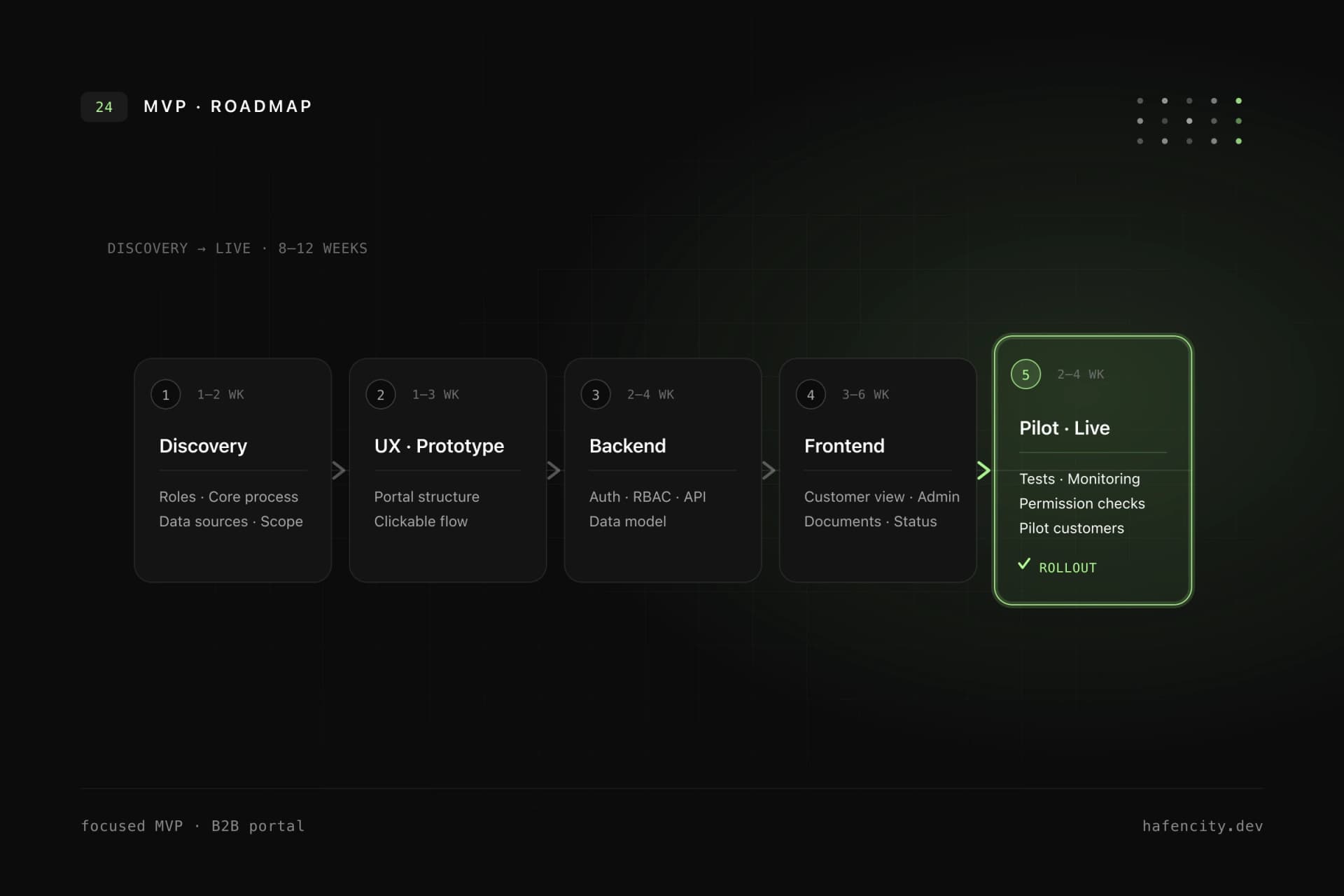
These ranges check out against day rates: in 2026 specialized agencies charge roughly 120 to 150 EUR per hour, experienced freelancers a little below. An MVP over 8 to 12 weeks with a small team therefore lands in the 40,000 to 90,000 EUR range. The expensive parts are not the screens, but permissions, edge cases, data migration, interface quality, document protection and operations. A portal with five screens can be costly if every customer may see different data and an old ERP provides no stable API.
Does a customer portal pay off?
The economic value rarely comes from one large saving, but from many small reductions: fewer status emails, less search effort, less duplicate data entry, fewer wrong document versions, faster approvals. A simple first calculation makes the order of magnitude tangible:
monthly value = number of cases x saved minutes x internal hourly cost / 60
Example: 400 customer requests per month each create 12 minutes of internal coordination. If a portal avoids 60 percent of that, it saves 48 hours per month. At a fully loaded internal cost of 65 EUR per hour, that is roughly 3,120 EUR per month — about 37,000 EUR per year, so an MVP in the lower range approaches break-even within the first year. On top come qualitative effects: better customer experience, fewer errors, faster response times. The calculation does not replace a full business case, but it shows whether a portal project is in the right order of magnitude. If a process happens only ten times a month, the value per case must be high; if it runs hundreds of times a day, small improvements quickly become relevant.
GDPR, security and permissions
Privacy and security are not a final polish for customer portals but architecture decisions from the first hour. A portal typically processes personal data, contract data and communication data. The GDPR demands this already at design time: data protection by design and by default (Art. 25), appropriate technical and organizational measures (Art. 32) and clean data processing agreements with every provider (Art. 28).
The most important technical rule: permissions must be checked server-side. A hidden button in the frontend is not access control. There is a reason "Broken Access Control" again ranks first in the OWASP Top 10:2025 — according to OWASP, nearly every tested application had some form of broken access control. The backend must therefore check every relevant action and log sensitive access in a traceable way.
Two regulations deserve attention in 2026. The German Accessibility Strengthening Act (BFSG) has applied since 28 June 2025: pure B2B portals are usually exempt, but as soon as consumers have access, WCAG obligations apply — details in our BFSG checklist. And the NIS2 implementation act has been in force since 6 December 2025, affecting roughly 29,500 companies with stricter information security duties.
Architecture and MVP roadmap
A good MVP is not the cheap version of the dream picture but the smallest production-ready version with real value. Technically it rests on a clear permission model (RBAC for roles, organizations and actions), an API-first backend that normalizes data and wraps external systems, private file storage with signed downloads, plus logging, monitoring and backups. These layers decide whether the portal grows stably after the MVP or gets more complicated with every new role.
| Must be in the MVP | Can usually come later |
|---|---|
| one clear customer process | all customer segments and edge cases |
| login and basic roles | SSO for all customer systems |
| dashboard or status overview | complex reporting and BI |
| documents or central data objects | full document management |
| admin area for internal maintenance | self-service configuration for everything |
| one validated integration | all ERP, CRM and DMS connections |
The MVP should be a real version, not a demo: login, permissions, data persistence, admin usage, deployment and error monitoring belong in the first usable version. If the question "which recurring process becomes noticeably better first?" is still unclear, a discovery workshop beats an immediate design start. More on the approach is in our MVP guide.
Buy or build a custom portal?
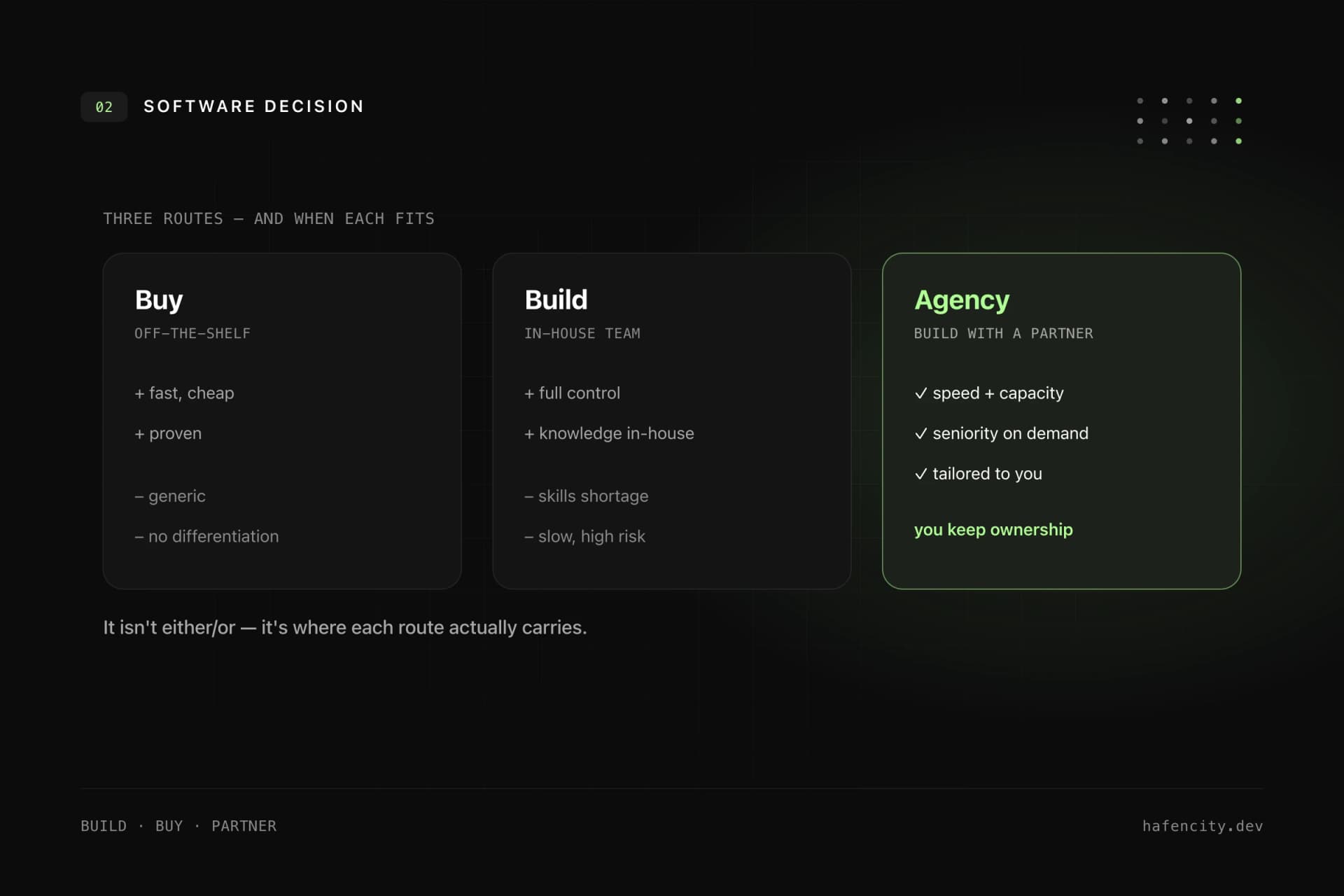
Standard software is the better choice as long as the process is truly standard. A ready-made customer portal, CRM portal or helpdesk can start faster and include many baseline features. Custom development pays off when the process is a competitive advantage that does not fit standard logic, several systems must be connected cleanly, roles and tenants are complex, or the portal becomes part of your own digital product.
Often a hybrid approach is most economical: standard software stays where it is strong, and a custom portal bundles customer view, permissions and integrations. When a custom build really pays off is explored in Custom Software in Hamburg.
Next steps
Three questions clarify the decision faster than any feature list:
- Process: which recurring customer process should become noticeably better first?
- Data and permissions: which systems provide status and documents — and who may see what?
- Integrations: which ERP/CRM APIs exist and can be tested early?
Unsure whether a custom portal pays off and what MVP scope is realistic? We clarify that in a short architecture and process check — take a look at our web app development or book a first call.